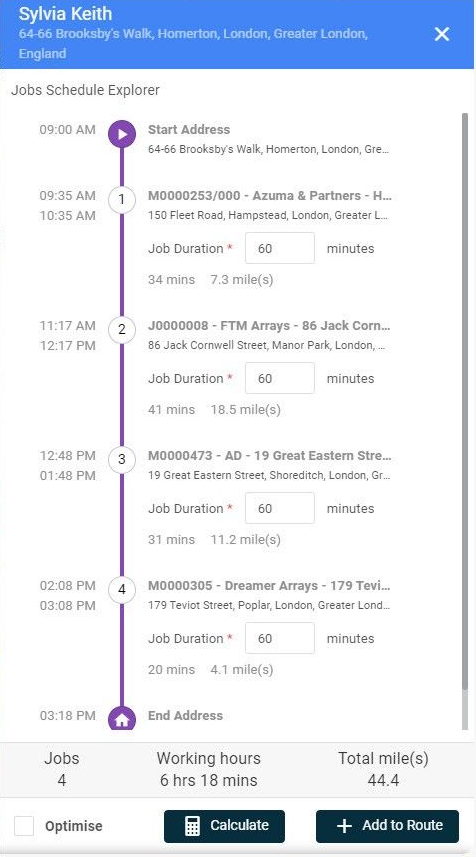
Previously the function to calculate a route schedule based on the job ordering that the user had selected.
Within this release, a new ‘Optimise’ option will appear within the Route Scheduler when creating a route.
Selecting this will optimise the route based on the shortest path, and calculate the route and time for you.
Additionally, the mobile app will have an additional “Order By” option to order based on the Scheduled Route.
Quote Template
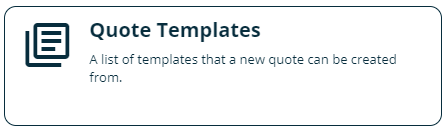
It is now possible to create Quote Templates for commonly quoted items.
Within the Library a new Quote Templates option exists.
Creating a Quote Template allows you to set basic information as if you were creating a quote.
It also allows the recording of all prices to be included in the quote.
A new option will now appear when creating a quote to choose to ‘Log Quote from Template’ which will pull through all
information and prices set within the template.
The user can still add any additional information/prices as necessary.
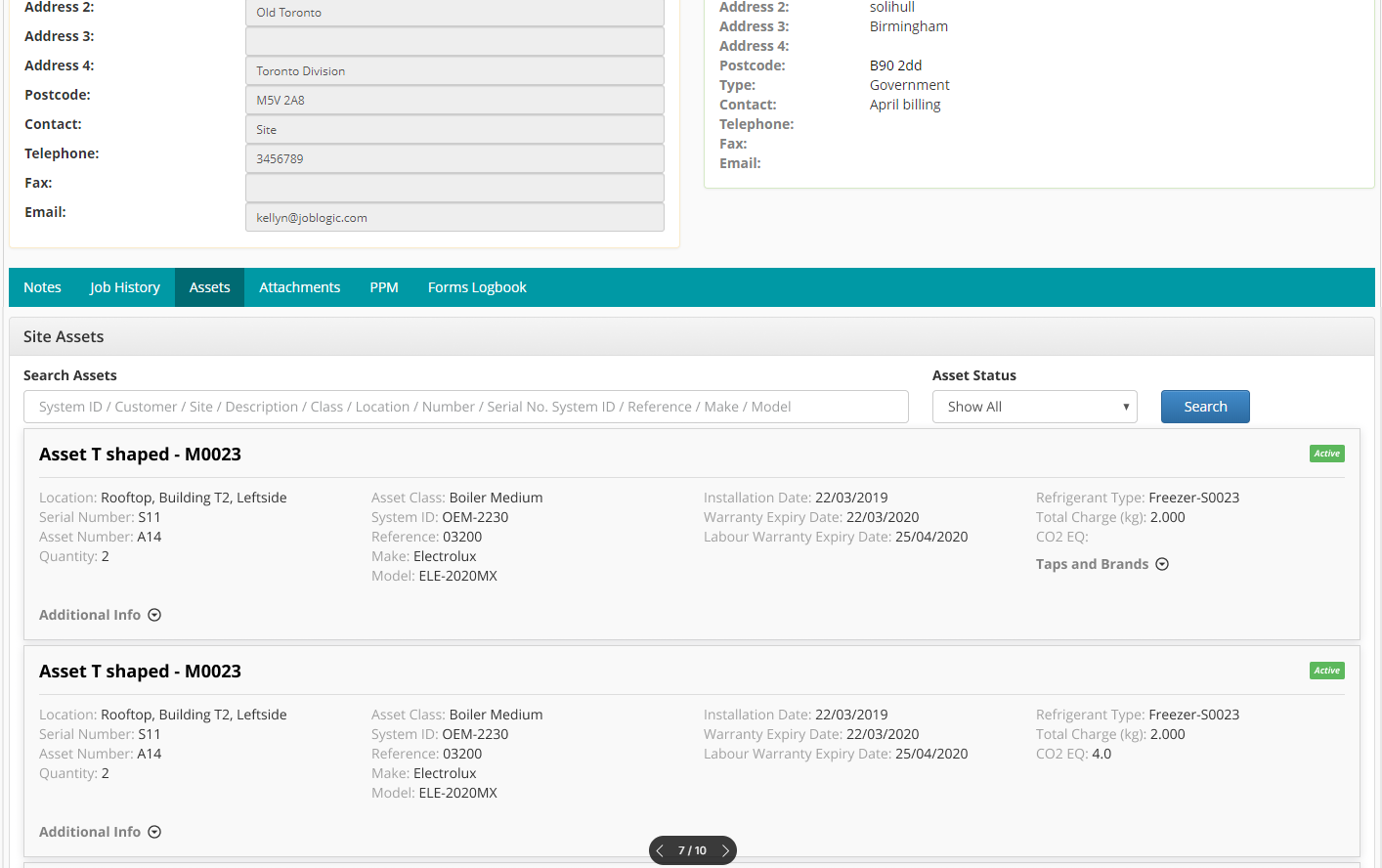
Search Assets in Job & Site Detail on Customer Portal
Within the customer portal, it is now possible to search for Assets when viewing a Customer or Site.
You can search using key information held against the asset record (ID, Customer, Site, Description, Class, Location, Number, Serial Number, Reference, Make Model.
Improvements, Modifications & Bug Fixes
Bug Fixes
The Contact Name will now display “Null” if the “LastName” field is empty (add new contact).
We have fixed an issue where the datepicker doesn’t show on “Create New Assets” screen.
An issue has been fixed with Gas Type field label & tool-tip.
There has been a fix for an issue with Quote Template material line updating to non-chargeable.
We have fixed an issue with the duplication of Part/Equipment when Logging Stock.
An issue has been fixed when accessing an undefined object on Edit note.
Edit action is now hidden when editing Asset Detail.
We have resolved an issue for the edit action being retained in Electronic Forms.
We have issued a fix for sorting Electronic Forms.
We have fixed an issue where the Duration of Job Visit in PPM Contract was updating incorrectly.
We have cut off filter status text in Customer Portal to improve the user experience.
Quote Template permissions have been fixed.
We have fixed an issue with Customer Portal Emails excluding the empty values on company address.
Customer Portal users can set the checkbox ‘Include Inactive’ by default.
Invoice status now remains as-is after editing cost line from Job.
We have fixed “Order By” options on Supplier.
On the Add/Edit Part Used and Add/Edit Part Required popup of the visit detail page, if a user types something in the part dropdown, the relevant information of the part will be removed when clicking ‘X’.
We have fixed permissions/display in the contacts section of a Job.
The PPM schedule will now be updated when a job visit is deleted.
We have resolved an issue in the Portal where the Fixed Area was not showing correctly on PPM Contract search screen.
We have issued a fix for the format date and time in the Logbook to default the to correct format.
Improvements/Modifications
We have improved the loading time on selected number of results for electronic forms.
Images will now be added to thumbnails automatically when adding Asset attachment.
We have updated grid view items of Attachments and Thumbnail in Assets to 2 columns to improve the user experience.
The layout alignment has been updated for the Base Charge, Trim Charge, Brand Name, and Tap Number sections for Job/Refcom logbook.
We have added improvements to document generator service.
We have added quick view for Selling Rates in Quote Template.
We have added Sync History collapse improvements.
We now allow the ability to attach files to parts/equipment when adding new parts/equipment on the fly.